
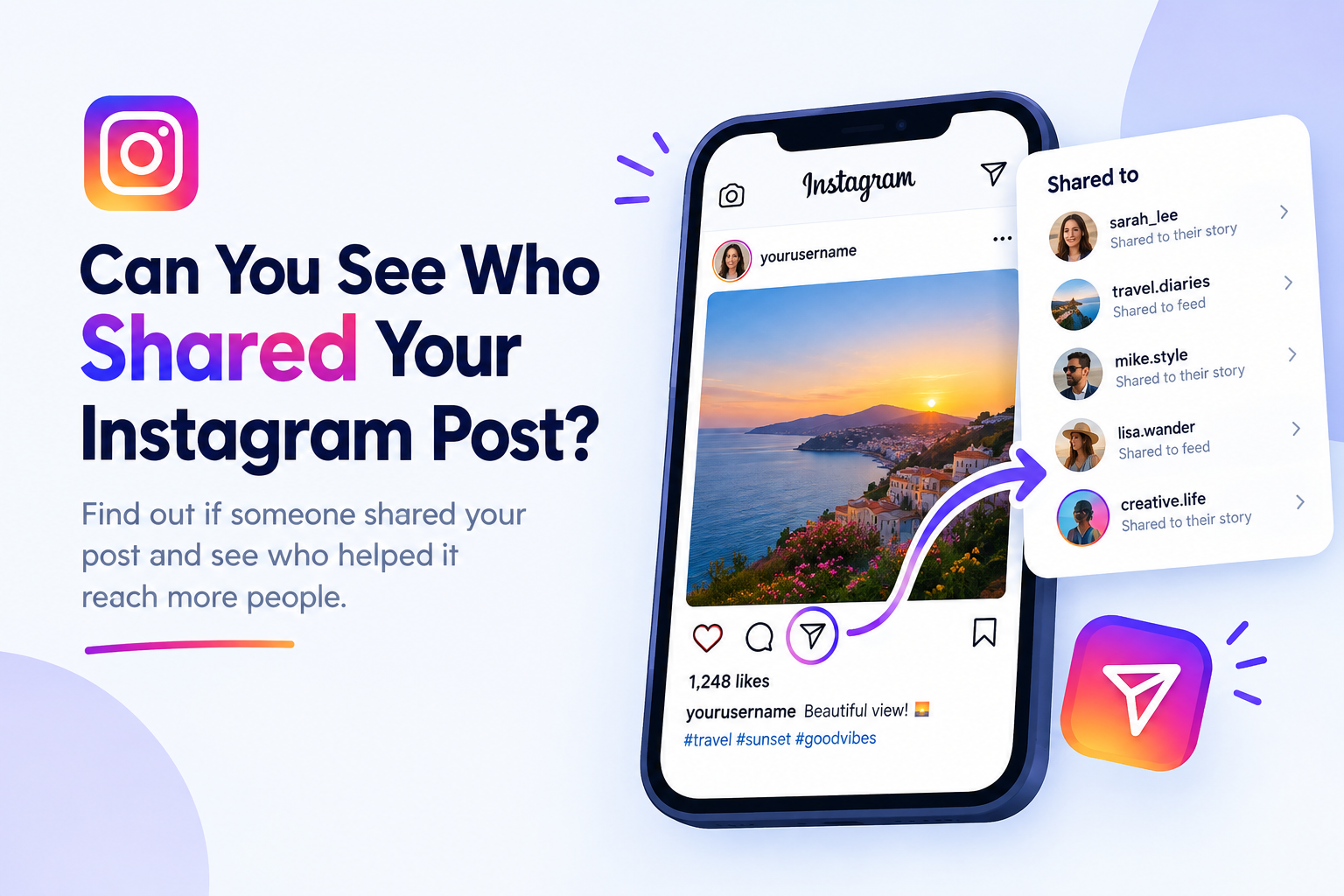
Can You See Who Shared Your Instagram Post? The Short Answer
Yes and no. It depends on where your post was shared:
Shared to someone's Story
You can sometimes see the names, as long as your account and theirs are public and the Story is still live.
Sent in a direct message
You can't see who sent it or who received it. Instagram never reveals this.
Total shares
You can see how many times a post was shared, but only with a creator or business account.
In simple words, Instagram gives you numbers more often than names. Let's look at each option in detail.
How to Check Story Reshares on Your Posts
When someone adds your post to their Story, Instagram may let you view it. This is the only place where you can actually see the usernames of people who shared your content.
Steps to View Story Reshares
Open your Instagram profile and tap the post you want to check.
Tap the three dots in the top-right corner of the post.
Select View Story Reshares if the option appears.
You'll see a list of Stories that currently include your post.
Keep in mind that Stories disappear after 24 hours. Once a Story expires, that reshare will no longer show up in the list, so check soon after posting if you're curious.
Why the Option Sometimes Doesn't Show
If you can't find the reshare option, one of these is usually the reason:
Nobody has shared the post to their Story in the last 24 hours.
The people who shared it have private accounts, so their Stories are hidden from you.
Your own account is private.
Your app is outdated, or the feature hasn't rolled out in your region.
Updating the app fixes the problem in many cases.
Using Instagram Insights to Track Your Share Count
If your main goal is to measure how well your content spreads, the most reliable answer to "can you see who shared your Instagram post" comes from Instagram Insights. It won't show names, but it gives you an accurate share count for every post and Reel.
This number includes shares through DMs and Stories combined, which makes it a useful way to judge which content your audience truly values.
How to Switch to a Professional Account
Insights is only available on a professional account. Switching is free and takes less than a minute:
Go to your profile and tap the menu icon (three lines).
Open Settings and activity.
Tap Account type and tools.
Select Switch to professional account.
Choose Creator or Business and follow the steps.
Creator accounts suit influencers and personal brands, while Business accounts work better for shops and companies. You can switch back to a personal account anytime.
What Insights Shows and What It Hides
What you can see:
Total number of shares
Likes, comments, and saves
Reach and impressions
Profile visits from the post
What stays hidden:
Names of people who shared the post in DMs
Who received the shared post
Private conversations about your content
What Happens When Someone Shares Your Post in DMs?
Most shares on Instagram happen through direct messages. When someone taps the paper airplane icon and sends your post to a friend, that activity stays completely private.
You won't get a notification, and there's no list anywhere that shows who sent it. The only sign is the share number rising in your Insights. Instagram treats DMs as private conversations, so this is unlikely to change.
Do Instagram Notifications Tell You About Shares?
In most cases, no. Instagram doesn't send an alert every time someone shares your post. However, there's one useful exception. If someone shares your post to their Story and tags or mentions your username, you'll receive a notification. You can then view their Story and even reshare it to your own. This is common with brands, fan pages, and friends who want to give you credit.
How Instagram Privacy Settings Affect Sharing
Your privacy settings decide how far your posts can travel.
If your account is private, other users can't share your posts to their Stories. People can still send your post in a DM, but only those who already follow you will be able to open it.
If your account is public, you can still control Story sharing. Go to Settings and activity, open the Sharing and reuse section (the name may vary slightly by app version), and turn off the option that allows others to share your posts to their Stories.
This gives you more control if you want to limit how widely your content spreads.
Should You Trust Third-Party Tracking Apps?
You may find apps or websites claiming they can show exactly who shared your posts. Be careful with these. Instagram doesn't give this data to outside apps, so they can't deliver what they promise.
Many of these tools ask for your Instagram login, which can lead to hacked accounts, spam, or even a ban for breaking Instagram's rules. The safest options are always the built-in features: Story reshares and Insights.
Tips to Get More Shares on Instagram
Knowing who shares your posts is interesting, but getting more shares matters even more. Here are some proven ways:
Create relatable content. Memes, everyday struggles, and "this is so me" posts get sent to friends often.
Share useful information. Tips, how-to guides, and checklists are posts people want to save and pass along.
Use carousels. Multi-slide posts with valuable content often get shared more than single images.
Add a clear call to action. A simple line like "Send this to a friend who needs it" works surprisingly well.
Post at the right time. Check your Insights to find when your followers are most active.
Keep Reels short and engaging. Grab attention in the first two seconds.
Final Thoughts
So, can you see who shared your Instagram post? You can see names only through Story reshares from public accounts, and only while those Stories are live. Everything else, especially DM shares, stays private, though a professional account lets you track the total number.
Instead of worrying about who shared your content, focus on creating posts people genuinely want to pass on. Use Insights to learn what works, and your shares will grow naturally.
Frequently Asked Questions
Does Instagram tell you who shared your post to their story?
Only in some cases. If the person has a public account and their Story is still live, you may see them under the Story reshares option. If they tag you, you'll also get a notification.
Can you see who shared your Reel?
No, you can't see the names of people who shared your Reel through DMs. With a creator or business account, you can see the total number of shares in your Reel's insights.
Can I see shares without a business account?
You don't need a business account specifically. A free creator account also gives you full access to share data. A personal account doesn't show share counts at all.
Why can't I see story reshares on my post?
Usually it's because no one has shared the post to a public Story in the last 24 hours, or the people who shared it have private accounts. An outdated app can also hide the option.
Can someone know if I shared their post in a DM?
No. Instagram doesn't reveal who sends posts through direct messages. The owner will only see their total share count increase if they use a professional account.
Can I stop people from sharing my posts?
You can limit it. Making your account private stops Story reshares, and public accounts can turn off Story sharing in their privacy settings. However, people can always take screenshots, so full control isn't possible.